
A Complete Guide to Using GPM and Proxy for YouTube Automation Without Getting Flagged as Spam or Hitting Checkpoints. Set it up correctly from the start to grow multiple channels safely and sustainably!
I. Why You Need GPM and Proxy for YouTube Automation
If you’re trying to run multiple YouTube channels without getting flagged, checkpointed, or having your entire system banned, then the answer lies in using GPM and residential proxy the right way.
GPM (GPM Login App) allows you to manage each YouTube account in a separate browser environment. Combined with residential proxy, each channel will have its own digital identity and IP address, making it harder for Google to detect that you’re managing multiple accounts.
If you’re wondering how to make money on YouTube with multiple channels, this is the technical foundation you must master.
II. What Is GPM and Why Is It Safe for YouTube?
GPM (Global Profile Manager) is a browser fingerprinting tool that creates isolated profiles:
- Each profile behaves like a unique device: cookies, history, and browser data are all different.
- IPs are separated — Google can’t track connections between accounts.
- Greatly reduces the risk of being flagged for suspicious activity.
If your goal is how to make money on YouTube by building multiple channels, this tool protects your infrastructure.

III. What Is Proxy and Why Use Residential Proxy?
A proxy is a tool to change your IP address.
✅ When using residential proxies:
- Every IP represents a real household user from a different location
- Your trust score increases significantly
- Fewer reCAPTCHA challenges, fewer logouts, fewer bans
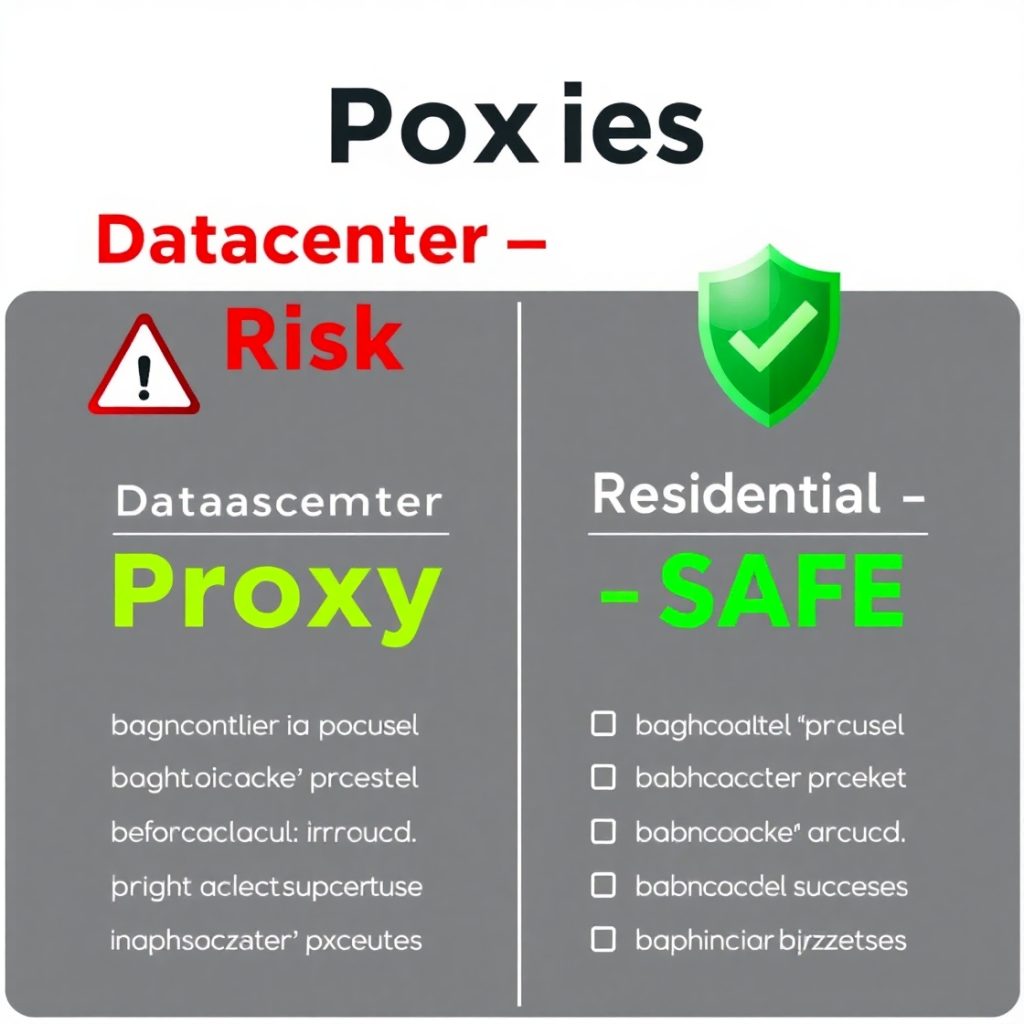
❌ Do not use cheap datacenter proxies. They’re easily detected and can cause mass account lockouts.
Residential proxies are a must if you’re serious about how to make money on YouTube long term.
IV. Step-by-Step: How to Use GPM and Proxy for YouTube Safely
STEP 1: Buy and Install GPM
- Go to: https://gpmloginapp.com/vi
- Install the software
- Register and activate your license (3 free profiles included)
STEP 2: Buy Residential Proxy & Get the Info
- Visit: https://proxy.phuc.vn
- Purchase residential IPs
- Copy down: IP – PORT – USERNAME – PASSWORD
STEP 3: Create a Unique GPM Profile for Each Channel
- 1 YouTube channel = 1 GPM profile = 1 residential proxy
- Add the proxy using the format: IP:PORT + user/pass
- GPM will automatically generate a unique fingerprint and user agent
STEP 4: Log Into Gmail and YouTube Inside Each Profile Only
- Never log into multiple channels from one profile
- Do not use regular browsers for login
- Enable 2FA (two-factor authentication)
STEP 5: Grow Each Channel Consistently
- Watch videos, like, comment — build natural behavior
- Do not switch proxies often
- Keep a consistent IP
- Warm up each channel for at least 14–30 days before monetization
📌 This process is foundational if you’re exploring how to make money on YouTube with automation and faceless content.
V. Key Reminders When Using GPM and Proxy for YouTube
- One Proxy = One Profile = One Channel
Never reuse the same proxy for multiple accounts.
📌 Example:
If you manage 5 channels → you need 5 proxies → and 5 unique GPM profiles.
- Do Not Change Proxy Midway
Once you attach a proxy to a profile — keep it fixed.
Frequent changes = Google red flags you → checkpoint risk. - Always Use Residential Proxies
Avoid datacenter IPs — they’re cheap but dangerous. - Don’t Log In Outside GPM
No Gmail or YouTube logins on normal browsers.
Stay strictly within the GPM environment to preserve cookies and fingerprints. - Do Not Randomly Delete GPM Profiles
Deleting a profile = losing cookies + trust score → increases checkpoint risk. - Avoid Cracked Versions of GPM
Cracked GPM = malware risk = stolen Gmail = lost YouTube channels.
Use only the official site: https://gpmloginapp.com/vi - Secure Your Account with 2FA
Enable two-factor authentication
Add a real phone number for OTP
Never log in from any platform other than GPM
If you want to scale fast and learn how to make money on YouTube securely, GPM is your friend.

VI. GPM & Proxy Are Also Powerful for YouTube Automation Systems
Beyond safe operation, you can use GPM for:
- Boosting engagement: likes, comments, watch time
- Managing multiple Shorts channels
- Separating main channels, content farms, and backup accounts
If you’re building a YouTube ecosystem and want to know how to make money on YouTube at scale, this is a game-changer.
VII. Conclusion: YouTube Is a Business – Build It Right from Day One
Using GPM and proxy correctly will help you:
✅ Avoid checkpoints, reCAPTCHA
✅ Prevent spam flags and mass bans
✅ Build trust → grow channels → how to make money on YouTube safely and sustainably
“Using the right tools = growth.
Using the wrong tools = disaster.” – Phúc BANI


Để lại một bình luận