
Should You Change Your Thumbnail When Views Drop?
Answer: YES — but only if you do it RIGHT.
A sharp decline in views is a clear signal that YouTube may have stopped recommending your video or that viewers are no longer interested when your thumbnail appears. In such cases, the thumbnail is your first weapon to revive the video.
When SHOULD You Change Your Thumbnail?
✅ The video had strong recommendations before, but now it’s invisible.
→ This means YouTube once pushed it, but the thumbnail couldn’t retain attention anymore.
✅ Click-through rate (CTR) drops below 4% or falls sharply.
→ A poor thumbnail can tank views even if YouTube still recommends it.
✅ A newer video on the same topic is outperforming yours.
→ Your competitors updated their thumbnails and titles — if you stand still, you fall behind.

How to Change the Thumbnail the RIGHT Way?
❌ Don’t change it recklessly.
Only update after analyzing whether the real problem is your thumbnail.
⏱️ Let the new thumbnail run for at least 24–48 hours.
🧪 Use A/B testing if you can (TubeBuddy or vidIQ support this feature).
⚠️ Keep your title if it’s strong. Just swap the thumbnail.
🖼️ Make the new thumbnail bolder, more emotional, and with a clearer subject.
Key Strategic Insight for YouTube for Beginners:
“YouTube finds videos for viewers, not viewers for videos.”
If people don’t click, YouTube will bury your video — no mercy.
Changing the thumbnail is how you wake up a sleeping video.
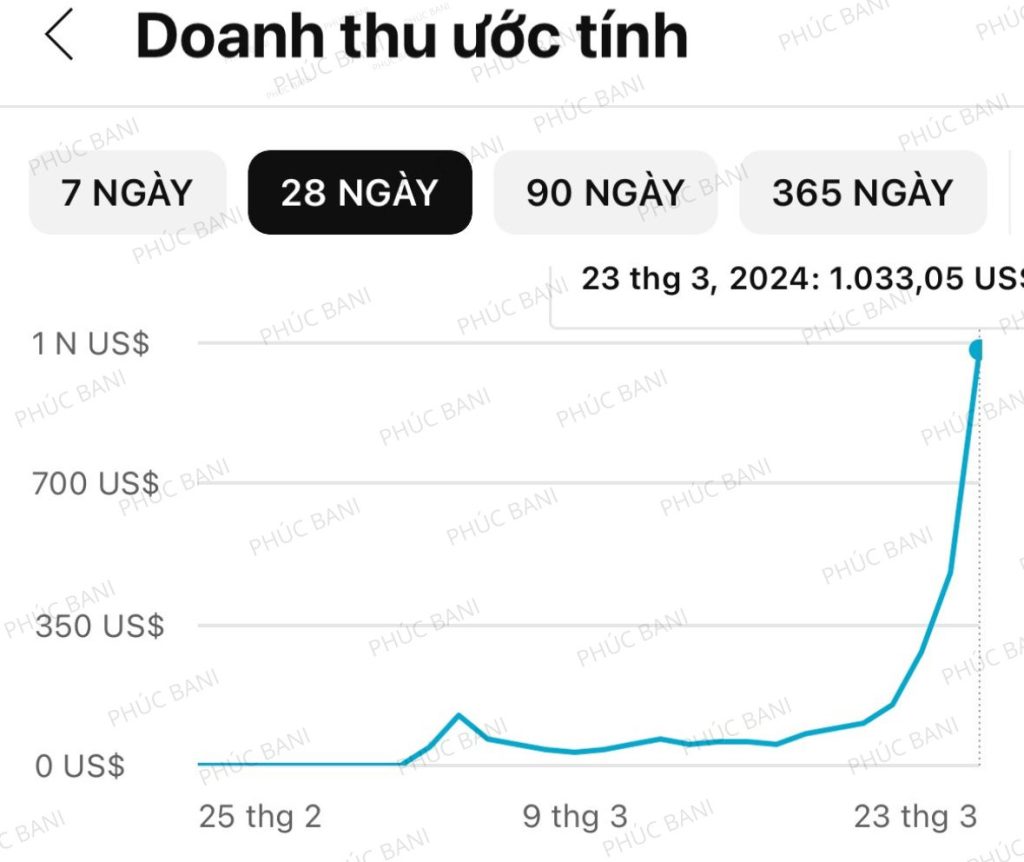
🔥 Conclusion:
Yes — you must change the thumbnail when views drop hard. But do it smartly, based on CTR and viewer behavior — not on feelings or guesswork.
👉 TAKE ACTION. TEST. SAVE YOUR VIDEO.
Sitting around waiting for views to magically return is pure delusion.
5 CRUCIAL TIPS FOR THUMBNAIL CHANGES WHEN VIEWS DROP:
1. Don’t switch thumbnails too frequently
YouTube needs time to interpret new data.
→ Wait 24–48h between changes.
Rapid changes = YouTube gets confused = worse performance.

2. Analyze properly before changing
Don’t go by instinct — go by data:
- CTR under 4%? 🚨
- Good audience retention but low CTR? → Thumbnail is the problem.
- Views from Suggested drop off? → Thumbnail lost its hook.
3. Change to GET CLICKS, not to “look pretty”
Thumbnails don’t need to be artistic — just scroll-stopping.
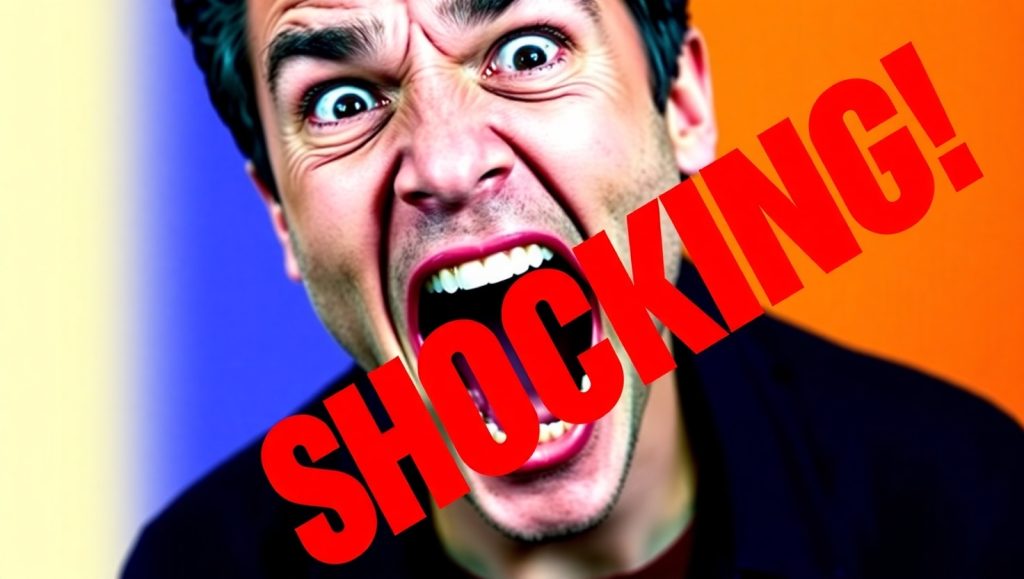
→ Use strong contrast, expressive faces, bold words (short and curiosity-driven).
This is a must for youtube for beginners.
4. Learn from rising videos on similar topics
“Study the giants, copy the newcomers.”
→ Find new, trending videos in your niche and analyze their thumbnails: layout, color, emotion.
5. Don’t expect thumbnails to fix weak content
If your content sucks — bad watch time, boring title — then a new thumbnail won’t save it.
→ Sometimes, you’ll need to update title, description, or even re-make the video.

A Word for Youtube for Beginners:
Thumbnail is your “front door.” But it can’t carry the whole house.
Think of it as a lever — if you pull it and nothing moves, the problem is inside the content.
To succeed on YouTube: stop dreaming, start testing, and never give up.
🔁 Again, this strategy is vital for anyone doing youtube for beginners.
If you’re new and still figuring things out, follow this framework, and don’t rely on luck.


Để lại một bình luận