

Want to start YouTube but don’t know where to begin?
This guide will walk you through step-by-step YouTube content planning, from zero to your first 1,000 subscribers — perfect for beginners who want to earn sustainably from YouTube in 2025.
1. 🎯 Define Your Goal First
Why are you doing YouTube?
- To earn $500/month?
- Build a personal brand?
- Recruit talent for your company?
- Sell products online?
⚠️ Without a clear goal → you’ll lose direction → likely to quit halfway.
📌 Example of clear goals:
👉 “Reach 1,000 subscribers in 3 months”
👉 “Post 3 videos/week to test niche potential”

2. 👀 Know Your Audience Well
Ask yourself:
- Are they male or female? What age group?
- When do they usually watch YouTube? On phone or TV?
- What are they searching for? What problems do they face?
🧠 REMEMBER:
YouTube finds the right video for the viewer — not the other way around!
3. 🗓️ Create a Detailed Content Plan
✅ Choose a narrow and specific niche:
E.g. “Gym” → too broad
→ Switch to: “Back workouts for female office workers under 30”

✅ Build a Content Plan including:
- Video titles (with keywords)
- Content ideas
- 5-second hook
- CTA (call to action)
- Keywords & SEO description
📌 Posting tip:
3 videos/week for the first month helps YouTube understand your channel topic.

4. 💡 Generate Video Ideas – From Competitors to Your Own Twist
Steps:
- Find 3 top channels in your niche
- Pick 3 most-viewed videos from each
- Analyze:
- What makes the intro engaging?
- Storytelling or tips in the body?
- Is there a CTA at the end?
→ Blend the best elements from all → craft your unique version.
5. 🎬 Produce Videos – Use AI If Needed
- Record using phone or AI tools like Fliki, Pictory, HeyGen
- Edit with: CapCut, Canva, Premiere, or VEED.io
🛠️ Not good at editing?
👉 Hire someone or use AI to convert script into video.

6. ⬆️ Upload to YouTube Properly
✅ Upload checklist:
- Filename includes keyword
- Eye-catching title with main keyword
- Clear description + timestamp + CTA
- Add hashtags, category, language, tags
7. 🔧 Advanced Settings – Manual But Powerful
- Add end screen, cards, and suggested videos
- Enable subtitles (EN/VN if needed)
- Configure “Advanced” tab: comment settings, country, language
- Optimize channel profile: banner, logo, social links
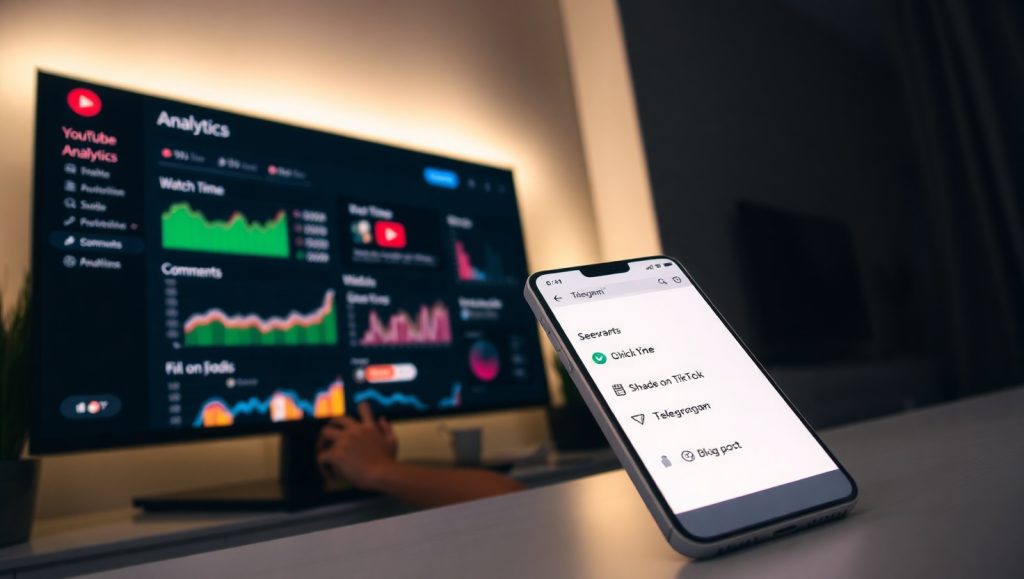
📷 Example of SEO-optimized channel layout:
8. 📊 After Upload – Seeding & Analysis
✅ Seeding strategies:
- Use clean Gmail + proxy + real comments from your team
- Share on Telegram, Fanpage, Tiktok, personal blog
✅ Analyze after 24h:
- CTR > 3%?
- Good audience retention?
- Any useful comments?
- Click-through rate from recommendations?
If video flops → record what didn’t work, improve and try again.


Để lại một bình luận